
Apple Mac (OS X Tiger)
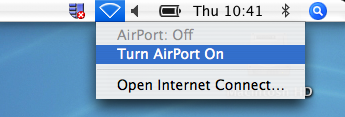
- Turn on your AirPort card
- Click on the Apple in the upper left hand corner choose System Preferences
- On the Show drop down box select Airport
- Change the By default, join: drop down box to Preferred networks
- Click the Add button

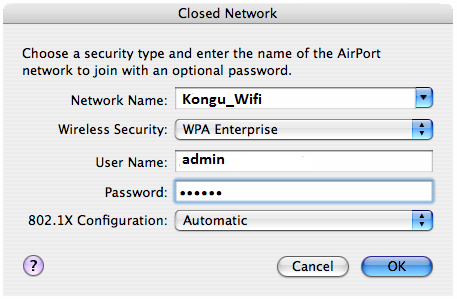
- Add the Network name: Kongu_Wifi (lower case and make sure it is spelt correctly)
- Choose the Security type: WPA-Enterprise
- Type your User name
- Type your password
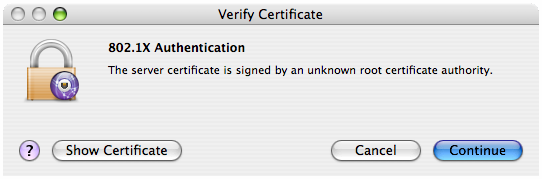
§ Click Continue
- You must configure your computer to use the University web cache
- Register your MAC address
- If you have any problems connecting to the wireless network, please contact server room